Categories /
Text - Editors (32)
- Newer first
- Display 510 2550100entries
-


CudaText 1.214.0 Updated
Ennovy on 26 Apr 2024 Change history
- 31MB (uncompressed)
- Released on 26 Apr 2024
- Suggested by billon
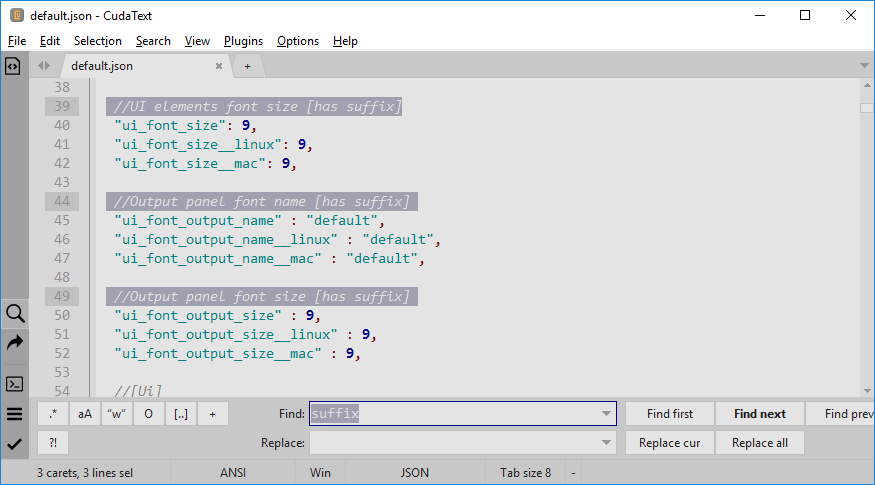
CudaText is a code editor with a clean, tabbed interface and side-panels. Includes split view, code folding, hotkeys, theme support, color picker and much more. The program supports 300+ syntaxes and add-ons written in Python, as well as some IDE features if plugins are used.
The program is cross-platform, with clients available for Mac and Linux. Settings are modified either via options dialogs, or alternatively, by manually editing text config files (JSON format).
| Category: | |
| Runs on: | WinXP / Vista / Win7 / Win8 / Win10 / Win11 |
| Writes settings to: | Application folder |
| Stealth: ? | Yes |
| Unicode support: | Yes |
| Path portability: | Automatic relative path (eg. ..\..\personal\work.doc) |
| License: | MPL 2.0 |
| How to extract: | Download the ZIP package and extract to a folder of your choice. Launch cudatext.exe. |
| Similar/alternative apps: | SynWrite, Atom Portable |
| What's new? | See: https://cudatext.github.io/history.txt |
| Latest comments |
Midas
on 2023-02-13 09:33
@FileHandler: It would be helpful -- at least for me -- if you could document your findings and settings in CudaText's forum topic... TiA
Sybe
on 2023-06-06 19:38
See all
23›
For more languages : https://sourceforge.net/projects/cudatext/files/addons/translations/ |

Text Editor Pro v29.0.0 Updated
Ennovy on 15 Apr 2024 Change history
- 9MB (uncompressed)
- Released on 14 Apr 2024
- Suggested by Midas
Text Editor Pro (formerly EditBone) is a powerful text editor with a customizable interface. View options include minimap, directory view, line numbers, rulers, and skins. The code viewer enables syntax highlighting support for over 50 languages and scripts, customizable with over 100 options, 29 ready made styles.
Search tools include a file comparison feature, wildcards and regular expressions support, multiple directory results, and a duplicate text finder.
Other power features include macro recording and playback, hotkeys, and file execution. You can also convert untis (e.g. volume and mass), speak text, onscreen zoom, SQL formatter and more.
Supports 20 world languages.
| Category: | |
| Runs on: | Win2K / WinXP / Vista / Win7 / Win8 / Win10 / Win11 |
| Writes settings to: | Application folder |
| Stealth: ? | No. %LOCALAPPDATA%\TextEditorPro |
| Unicode support: | Yes |
| License: | Freeware |
| How to extract: | Download the ZIP or 7z package and extract to a folder of your choice. Launch TextEditorPro.exe -appinipath. |
| Similar/alternative apps: | Notepad3 |
| What's new? | See: https://texteditor.pro/index.php?page=history |
| Latest comments |
webfork
on 2019-01-27 13:09
It doesn't have functionality far in advance of other editors, but the interface is great. There are big, clear icons, themes, easy tabbed interface, and a really smooth options menu. If you think text editors are supposed to be functional rather than friendly, this might not be your cup of tea. Otherwise...
PapaiMark
on 2020-02-25 15:11
Nice. The best text compare Ive ever seen. And mainly because of the trim-left/right.
eitang
on 2021-12-10 15:46
See all
12›
Hi all, |

RJ TextEd v16.16 Updated
Ennovy on 10 Apr 2024 Change history
- 296MB (uncompressed)
- Released on 10 Apr 2024
- Suggested by rbon
RJ TextEd is a full featured text, source code and web development editor. The program includes spell checking, auto completion, HTML validation, templates, as well as a dual pane file commander with (S)FTP client. Includes support for regular expressions, PHP, ASP, JavaScript and CSS/HTML editing with integrated preview.
A earlier version (14.81) is also available for WinXP, Vista, and Wine users.
| Category: | |
| Runs on: | WinXP / Vista / Win7 / Win8 / Win10 / Win11 / Wine |
| Writes settings to: | Application folder |
| Unicode support: | Yes |
| License: | Freeware |
| How to extract: | Download the "Portable Version" self-extracting EXE and extract to a folder of your choice. Launch TextEd.exe. |
| Similar/alternative apps: | PSPad, SynWrite, Notepad++ |
| What's new? | Full changelog at: https://rj-texted.se/#download. |
| Latest comments |
Alextp
on 2018-01-07 00:29
If you want small startup time, good one is CudaText, starts fast, less exe size.
Pendrive
on 2022-02-12 05:12
See all
15›
This program seems to have a huge file-size for what it is. Is it an electron-based program and, if so, should that not be noted here? |

Sigil Portable v2.1.0 Updated
lwc on 5 Apr 2024 Change history
- 344MB (uncompressed)
- Released on 2 Apr 2024
- Suggested by ChemZ

Sigil is a tabbed editor for the EPUB format commonly used in eBooks. The program includes basic formatting, customizable fonts and styles, hotkeys and spellcheck. You can generate a table of contents, embed files (audio, video, or other), edit/add metadata, rearrange or split pages, add vector (SVG) images and available "clips" for frequently entered text.
As the format is based on simple HTML, the program includes a WYSIWYG-style book vs. code view, the ability to modify cascading style sheets and additional functionality via plugins. The program can even shrink some eBooks by discarding unused media elements.
Cross-platform with clients for Linux, Mac and supports many languages. Sigil Portable is a wrapper version of the program and an outdated X-Sigil is also available.
| Category: | |
| Runs on: | Win10 / Win11 / Wine |
| Writes settings to: | Application folder |
| License: | GNU GPLv3 |
| How to extract: |
Download the self-extracting EXE to a folder of your choice. Launch SigilPortable.exe. Optionally, the user guide is available as a separate download. |
| Similar/alternative apps: | KompoZer |
| What's new? | See: https://github.com/Sigil-Ebook/Sigil/releases |

Notepad++ v8.6.5 Updated
SYSTEM on 30 Mar 2024 Change history
- 21MB (uncompressed)
- Released on 30 Mar 2024
- Suggested by Andrew Lee
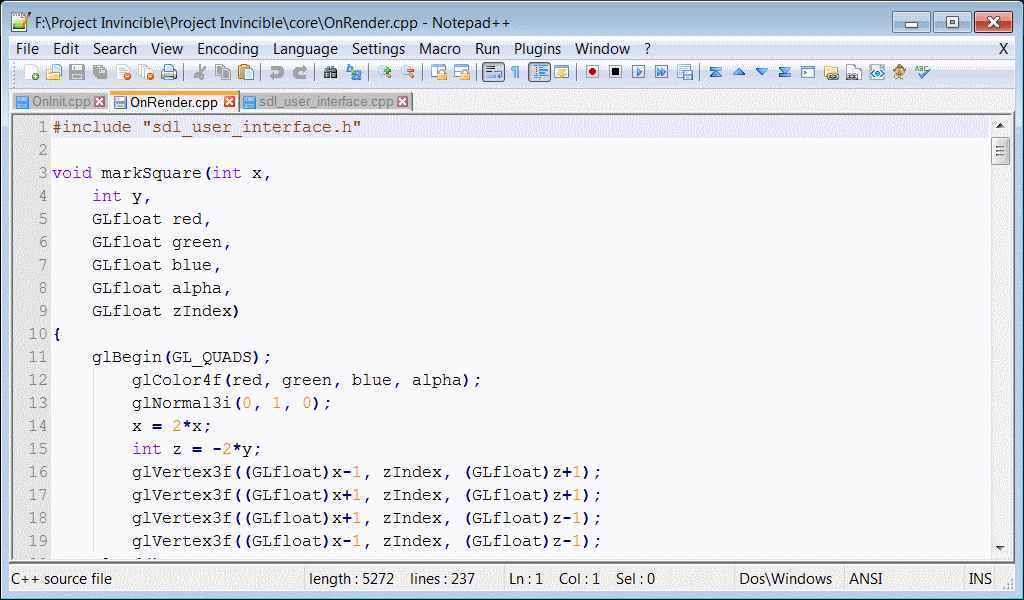
Notepad++ is a tabbed source code editor and Notepad replacement with a customizable interface. Includes source code "folding", allowing users to quickly reduce and expand sections of code to see the overall document. In addition, it features multi-language syntax highlighting, auto-completion, Perl-compatible regular expression search/replace, macro recording and playback, document map etc.
A host of additional functionality is available via the plugins admin view, including tools for file analysis, programming languages, viewers, calculations, user interface and many more.
Alternatively, Notepad++ Portable and the outdated X-Notepad++ clean the local folder.
| Category: | |
| Runs on: | Vista / Win7 / Win8 / Win10 / Win11 |
| Writes settings to: | Application folder |
| Stealth: ? | Yes |
| Unicode support: | Yes |
| License: | GNU GPLv2 |
| How to extract: |
|
| Similar/alternative apps: | AkelPad, PSPad, EditPad Lite |
| What's new? | Changelog at: https://notepad-plus-plus.org/download/. |
| Latest comments |
PAFuser
on 2022-01-19 09:26
8.2 does not seem to have sessions check box under general tab, and session does not seem to load or save. Any comments?
Mike.S.G.
on 2022-01-20 09:43
See all
107›
@PAFuser |

EmEditor Free v23.1 Updated
Ennovy on 22 Feb 2024 Change history
- 206MB (uncompressed)
- Released on 24 Jan 2024
- Suggested by smaragdus
EmEditor is a tabbed text editor with themes, syntax highlighting, stay-on-top and customizable keyboard mapping. The program supports batch find-and-replace, regular expressions and more.
| Category: | |
| Runs on: | Win7 / Win8 / Win10 / Win11 |
| Writes settings to: | Application folder |
| Dependencies: | Internet Explorer v11 |
| Unicode support: | Yes |
| License: | Liteware |
| How to extract: |
Download the "Portable" ZIP package and extract to a folder of your choice. Launch EmEditor.exe. Skip the 30-day evaluation of the full version by selecting the Help menu and click Downgrade. |
| Similar/alternative apps: | Notepad++ |
| What's new? | See: https://www.emeditor.com/text-editor-features/history/ |
| Latest comments |
smaragdus
on 2018-05-04 06:56
See all
4›
@hamasaki |

Textadept v12.2
Andrew Lee on 8 Nov 2023 Change history
- 16MB (uncompressed)
- Released on 1 Nov 2023
- Suggested by Midas
Textadept is a minimalist programmer’s text editor featuring split views, themes, auto-complete. Also features syntax highlighting, advanced search, and bookmarks.
Cross-platform with versions available for Mac OSX, Linux, and BSD.
| Category: | |
| Runs on: | WinXP / Vista / Win7 / Win8 / Win10 |
| Writes settings to: | Application folder |
| Unicode support: | Yes |
| License: | MIT License |
| How to extract: | Download the ZIP package and extract to a folder of your choice. Launch textadept.exe -u .\data |
| What's new? | See: https://orbitalquark.github.io/textadept/changelog.html |

EditPad Lite v8.4.2
Ennovy on 21 Jul 2023 Change history
- 9MB (uncompressed)
- Released on 21 Jul 2023
- Suggested by Jacek Zebrowski
EditPad Lite is a fast and lightweight general-purpose text editor. It allows you to open many files simultaneously and switch between them using tabs. It also supports many functions for text manipulation and conversion.
A 64-bit version is available. EditPad's installer now automatically installs a 64-bit version of EditPad on 64-bit Windows.
| Category: | |
| Runs on: | WinXP / Vista / Win7 / Win8 / Win10 / Win11 |
| Writes settings to: | Application folder |
| Stealth: ? | No. Creates HKCU\Software\JGsoft on Windows 8.1. |
| Unicode support: | Yes |
| License: | Free for personal use |
| How to extract: |
|
| Similar/alternative apps: | AkelPad, Notepad++ |
| What's new? | See: https://www.editpadlite.com/releasenotes.html |
| Latest comments |
Ennovy
on 2021-03-31 10:06
"How to extract: 3. The program will save to the root of that drive."
AndTheWolf
on 2023-07-21 14:48
See all
27›
My first attempt to download EditPad Lite v8.42 resulted in a zero-length SetupEditPadLite.exe and a cryptic error message. After some research I discovered that your download points to http://download.jgsoft.com/editpad/SetupEditPadLite.exe, but my browser enforces the https protocol. Downloading from httpS://download.jgsoft.com/editpad/SetupEditPadLite.exe worked. |

BowPad v2.8.9
Andrew Lee on 23 Jun 2023 Change history
- 5MB (uncompressed)
- Released on 22 Jun 2023
- Suggested by Midas
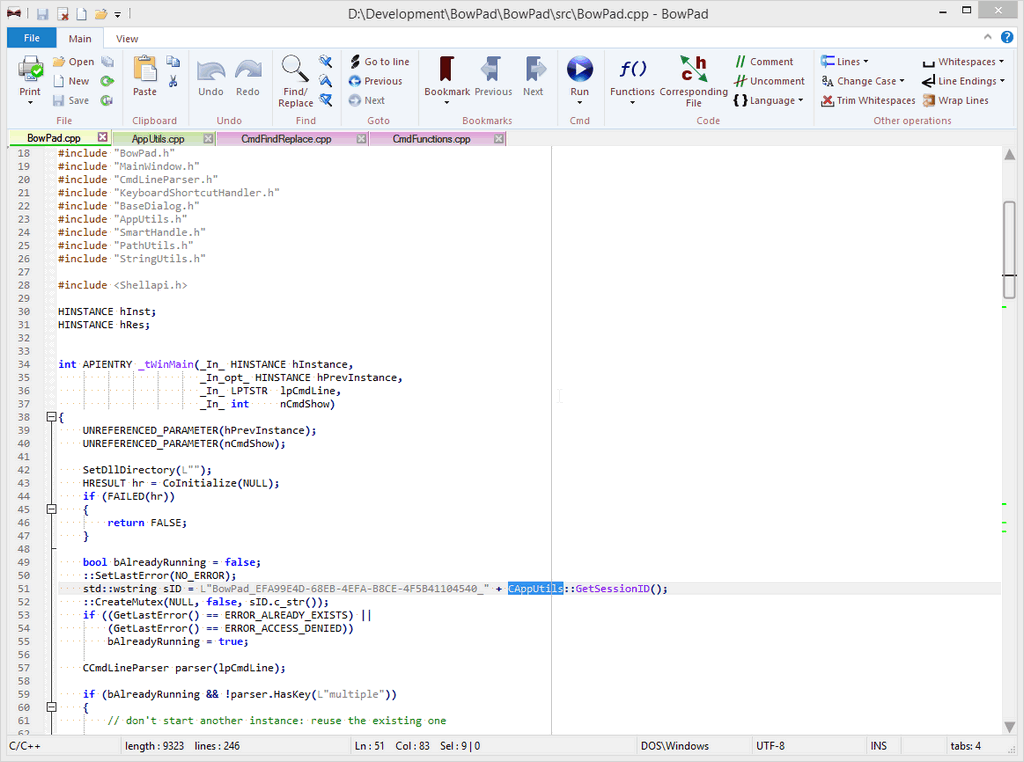
BowPad is a small and fast text editor with a ribbon user interface and syntax highlighting for over 100 file types and languages. The program's feature set is extendable with plugins written in jscript or vbscript.
| Category: | |
| Runs on: | Vista / Win7 / Win8 / Win10 |
| Writes settings to: | Application folder |
| Stealth: ? | Yes |
| Unicode support: | Yes |
| License: | GNU GPLv3 |
| How to extract: |
Download the "portable" ZIP package and extract to a folder of your choice. Launch BowPad.exe. Vista users have to install the Platform Update for Windows Vista (see website). |
| What's new? | See: https://tools.stefankueng.com/BowPad_history.html |
| Latest comments |
smaragdus
on 2016-11-22 20:02
See all
6›
I have never seen a text editor as ugly as this one, compared to BowPad, even DocPad (http://www.gammadyne.com/docpad.htm) is a beauty. |

PSPad v5.0.7 Updated
juverax on 6 Feb 2024 Change history
- 15MB (uncompressed)
- Released on 10 Mar 2023
- Suggested by Andrew Lee

PSPad is a plain text editor with syntax highlighting support and tabbed interface. It includes an integrated hex editor, spell checker, FTP client, code explorer etc. It also allows you to automate repetitive activities through macro recording and playback.
PSPad supports column selection.
Note: The 64-bit version of PSPad is not limited by memory, but is missing the scripting capability of the 32-bit version, as noted here
| Category: | |
| Runs on: | Win95 / Win98 / WinME / WinNT / Win2K / WinXP / Vista / Win7 / Win8 / Win10 |
| Writes settings to: | Application folder |
| Stealth: ? | No. HKCU\Software\PSPad Registers PSPad.project (.PPR) files |
| Unicode support: | Yes |
| License: | Freeware |
| How to extract: |
|
| What's new? | See: https://www.pspad.com/en/whatsnew.htm |
| Latest comments |
Shadeclan
on 2012-09-14 13:59
I figured out how to uninstall the user-chosen (custom) languages but it takes a little work.
Shadeclan
on 2012-09-14 14:46
If it's ok, I'd just like to make a few more comments:
rbon
on 2019-12-25 18:09
See all
21›
I wanted a paf version of PSPad and I tried the online installer version of @prapper which unfortunately does not work. |