

SoftMaker FreeOffice v2024 Rev 1216 Updated
Ennovy on 12 Jul 2024 Change history
- 232MB (uncompressed)
- Released on 12 Jul 2024
- Suggested by Stone Tablet
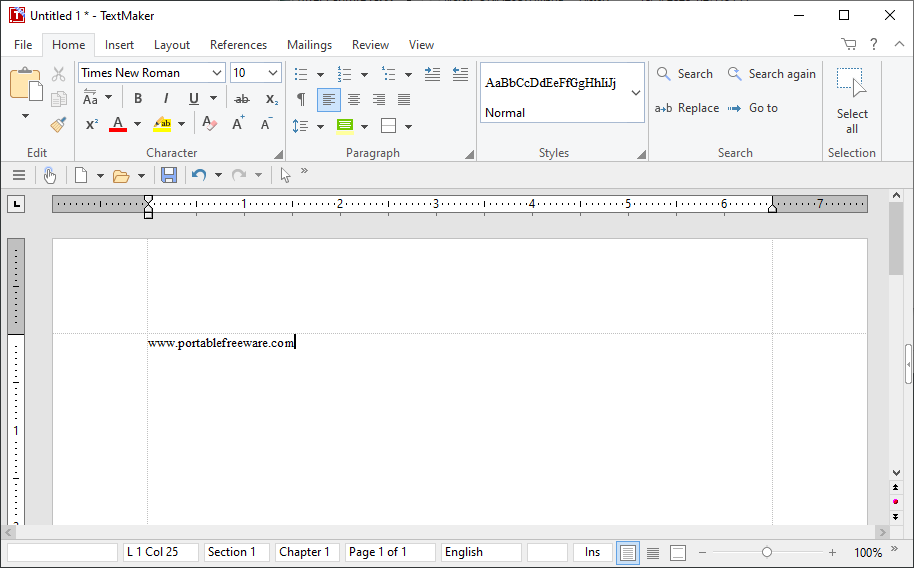
FreeOffice is a fast and lightweight office suite with word processor, spreadsheet, and presentation tools. The interface supports themes, a dark mode, and classic or ribbon-style toolbars. All components include a wide variety of formatting, functions, and animation.
The program will import and export to standard Microsoft formats with reasonable fidelity. A forum post about the previous 2006 version can be found here.
NOTE: The program will eventually require email registration, but a workaround is available.
| Category: | |
| Runs on: | Win7 / Win8 / Win10 |
| Writes settings to: | Application folder |
| Stealth: ? | No |
| Unicode support: | Yes |
| License: | Freeware |
| How to extract: |
Optionally, delete the inst/banners subfolder and the files SoftMakerUpdaterTool.exe and usbstick.exe |
| Similar/alternative apps: | LibreOffice |
| What's new? | See:https://www.freeoffice.com/en/download/servicepacks |
39 comments on SoftMaker FreeOffice


Antolion
2022-02-05 03:39
This is possibly a greatest (portable) prog-suite. I' using only the portable version. There is a serious problem/bug I1 experienced. After want to save my presentatuons in presentations-maker its failed, and the prog said: it's not possible because it's an illegal (pirate) version of a progam.. The non-portable waersion works flawlessly!(I think, the root of the the problem, that the portable-version put the samples/sablons etc. in different way. And, misfortunately, the portabilizing-process is not work for hunspell dictionaries, but its a minor problem. Thanks!
v2021 Rev 1042
freakazoid
2021-12-31 16:34
@webfork - The software name is FreeOffice. I think it's obvious that there is a Pro version judging by the name of the program. When using FreeOffice, some upsell will be shown within the interface of the program, so if the user is interested in their enhanced features, they can do so at their own perusal.
v2021 Rev 1042
webfork
2021-12-31 09:24
> this site is for (portable) freeware and commercial software should not be promoted here.
I disagree. One of the reasons companies are willing to put energy towards freeware options is that their pro versions don't disappear in the process. Deleting mention just means more software loaded with grayed-out "pro" options.
v2021 Rev 1042
freakazoid
2021-12-28 19:03
@Pendrive - Website link should now be fixed. Thanks for the report!
v2021 Rev 1042
freakazoid
2021-12-28 19:01
@Pendrive - You make a good point. I've edited the description to remove the blurb about the Pro version.
v2021 Rev 1042
Pendrive
2021-12-28 18:44
The given website link for the freeware goes to a 404 "not found" page in German.
v2021 Rev 1042
Pendrive
2021-12-28 18:39
"A pro version is also available …": this site is for (portable) freeware and commercial software should not be promoted here.
v2021 Rev 1042
Biffy
2021-05-07 09:46
As someone else reported a while back, I also get a 404 page not found error when I click on the "Download 32-bit" link (https://www.portablefreeware.com/download.php?dd=1463).
v2018 Rev 982

There is also (with the same architecure) Ashampoo Free Office:
https://www.ashampoo.com/en-us/office-free
a related, a bit older (2012), but rather compact, full-fledged compatible office suite.
One might need to supply an e-mail (may be temp) to get a product key.
To make it portable one just needs to have a file called "portable.txt" in its folder.
v2021 Rev 1042